

SpareZen
Your front desk closed. Maya didn’t.
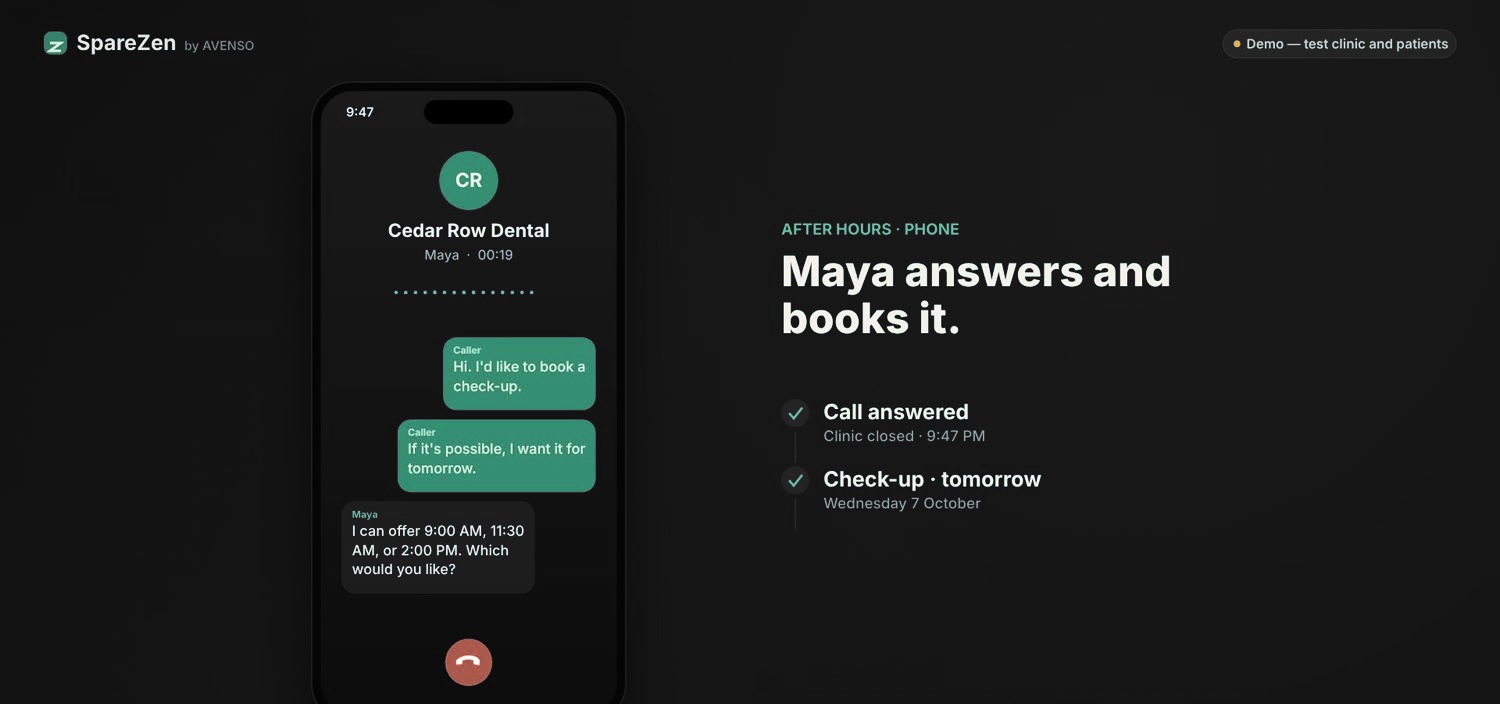
SpareZen’s Maya takes the after-hours call, offers the open slots and books the check-up, in the same diary your reception team uses.
Step 1 of 5
Maya answers and books
After hours, Maya answers, finds a free time and books the appointment.
Step 2 of 5
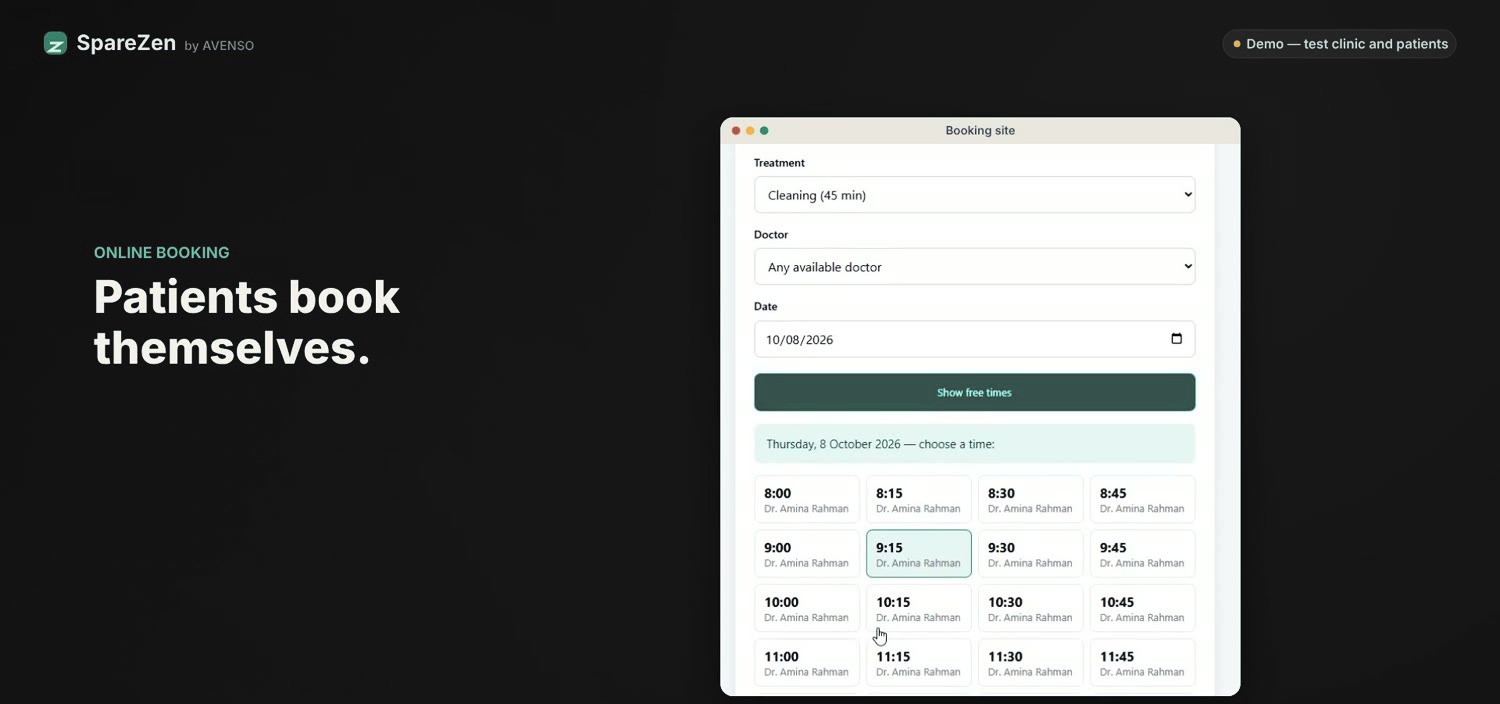
Patients can book online
Patients who prefer to book themselves can pick a treatment, doctor and time online.
Step 3 of 5
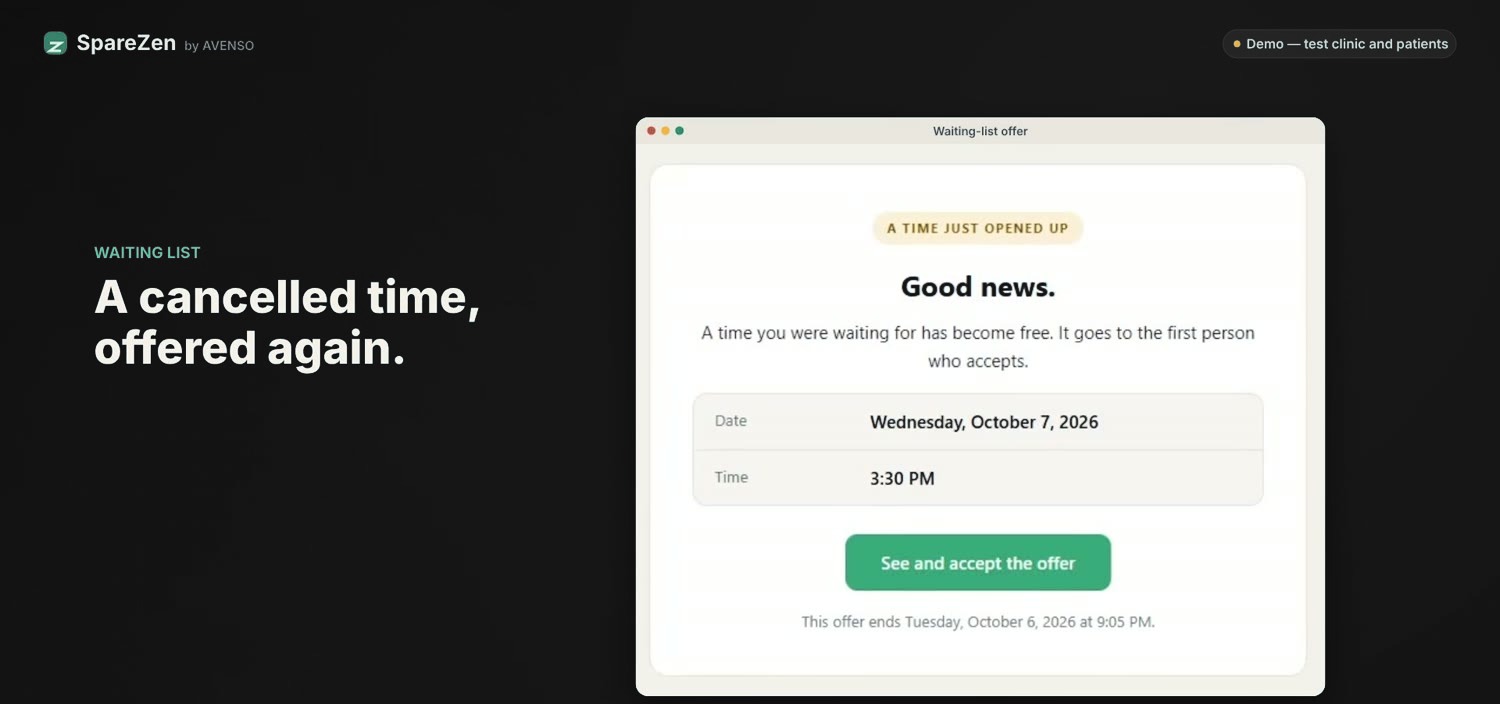
A cancelled time is offered again
When a time opens up, it’s offered to the next person on the waiting list.
Step 4 of 5
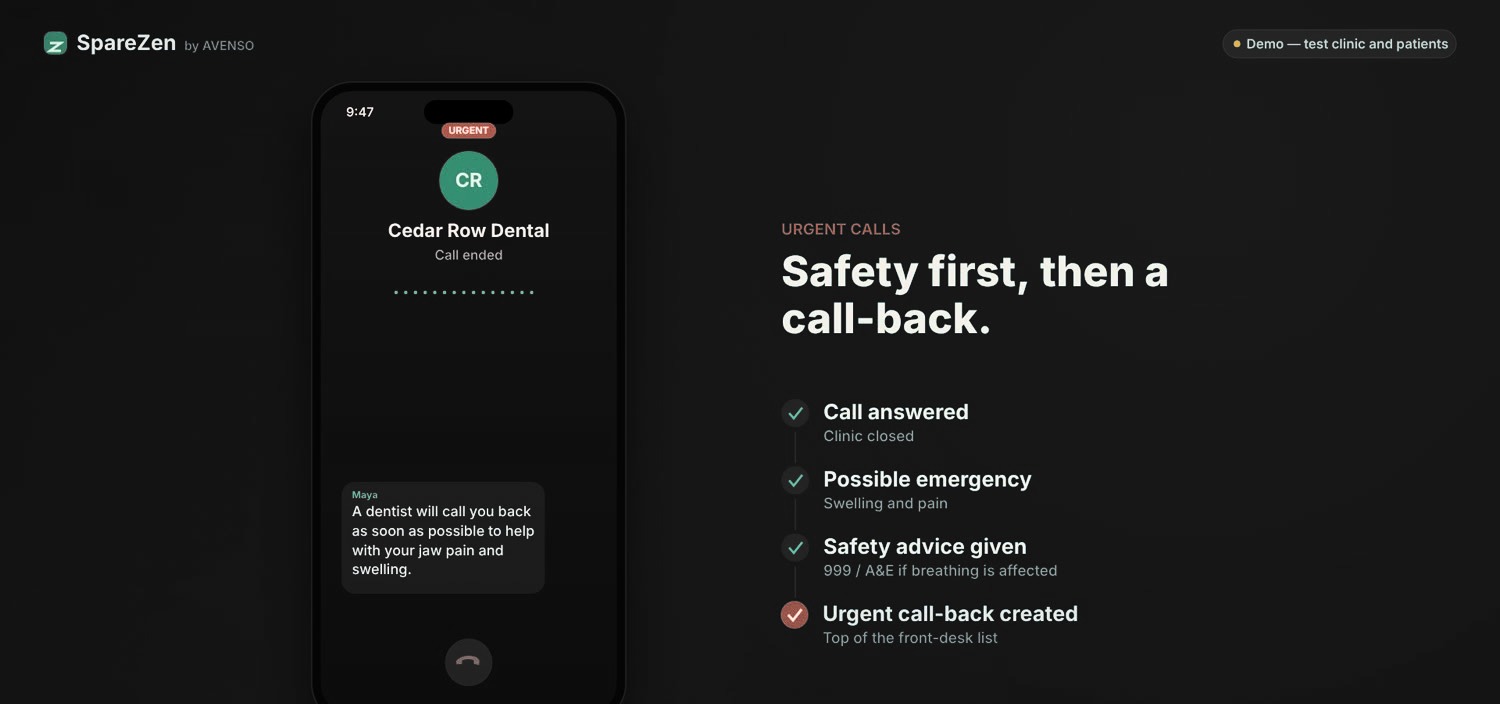
Safety first, then a call-back
If a call sounds urgent, Maya gives safety advice and creates an urgent call-back at the top of the front desk’s list.
Step 5 of 5
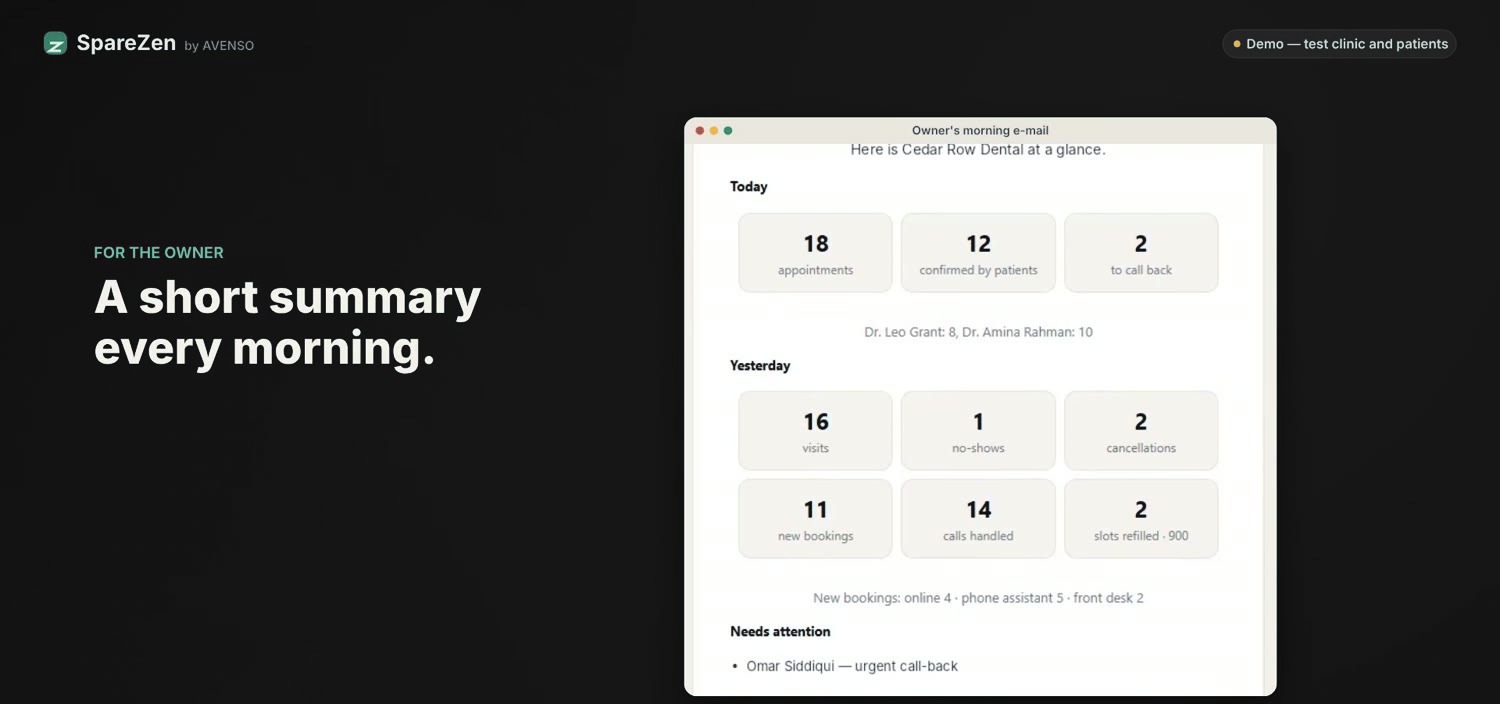
A short summary each morning
The owner starts the day with a summary of appointments, confirmations and call-backs.
What SpareZen handles
After-hours calls
Maya answers when the clinic is closed and books into open slots.
Online booking
Patients choose a treatment, doctor and time for themselves.
Reminders
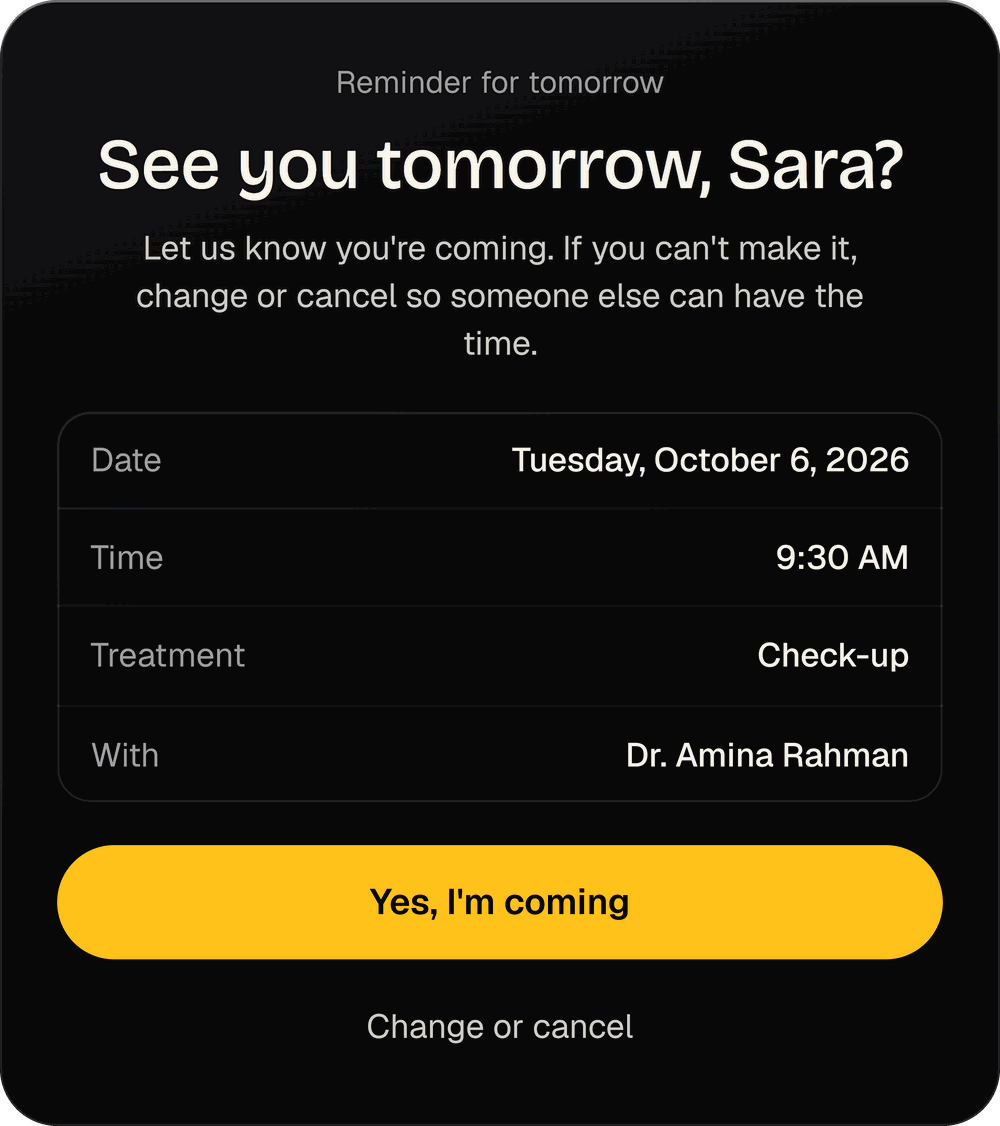
The day before, patients get a reminder and can confirm with one tap, or change or cancel.
Waiting list
Freed-up times are offered to the next person waiting.
Urgent calls
Possible emergencies get safety advice and an urgent call-back for your team. Maya doesn’t give medical advice.
Reception and owner views
Your team sees today’s diary and call-backs. The owner gets a morning summary and insights.
See a day at the front desk
Walkthrough with a test clinic and test patients.
What this is costing you, and what it costs to fix
Put in your own numbers. See what missed calls and no-shows could cost you, what you might win back and which plan fits.
Questions
Does Maya give medical advice?
No. For urgent calls she gives safety advice and creates a call-back for your team.
Do phone and online bookings share a diary?
Yes. They use the same diary as your reception team.
Can patients change an appointment?
Yes. The reminder lets them confirm, change or cancel.
Do I have to replace my software?
SpareZen has its own diary, and it syncs both ways with Google Calendar. It does not connect to other practice management systems yet, so tell us on the demo if you rely on one.
What about patient data?
Each customer gets their own installation, managed by us, with separate roles and a tool to find and erase someone’s data on request. We don’t hold an independent certification yet.
Do you have clinics live?
We’re early. Everything shown here uses a test clinic, and we’re taking pilot practices now.